Caring for your Galaxy Z Flip deviceUpdated 8 months ago
Caring for Your Foldable Device
Your foldable device features an Infinity Flex Display made from ultra-thin glass — a breakthrough design that combines flexibility and durability in a compact form.
Because foldable glass is more delicate than traditional displays, it requires special care to stay in top condition. Follow our guidelines below to keep your device looking great and performing at its best.
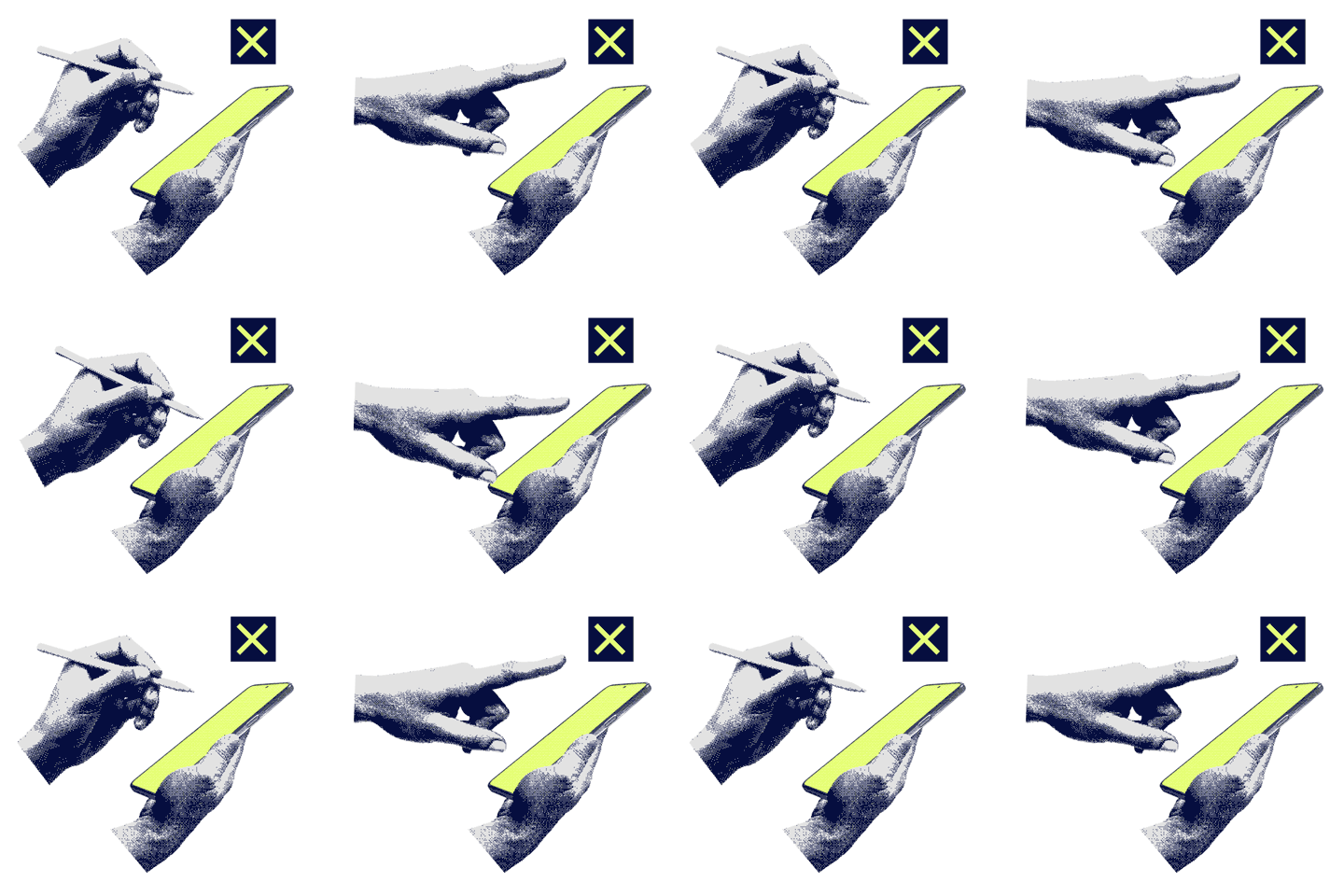
1. Can I tap the screen with anything I want?
Avoid using hard or sharp objects like pens, keys, or even your fingernails. The ultra-thin glass can be damaged by too much pressure.
✅ Tip: Tap the screen gently with your finger to protect the surface and maintain performance.
⚠️ Note: Damage caused by excessive force may not be covered by warranty, and repairs could cost extra.
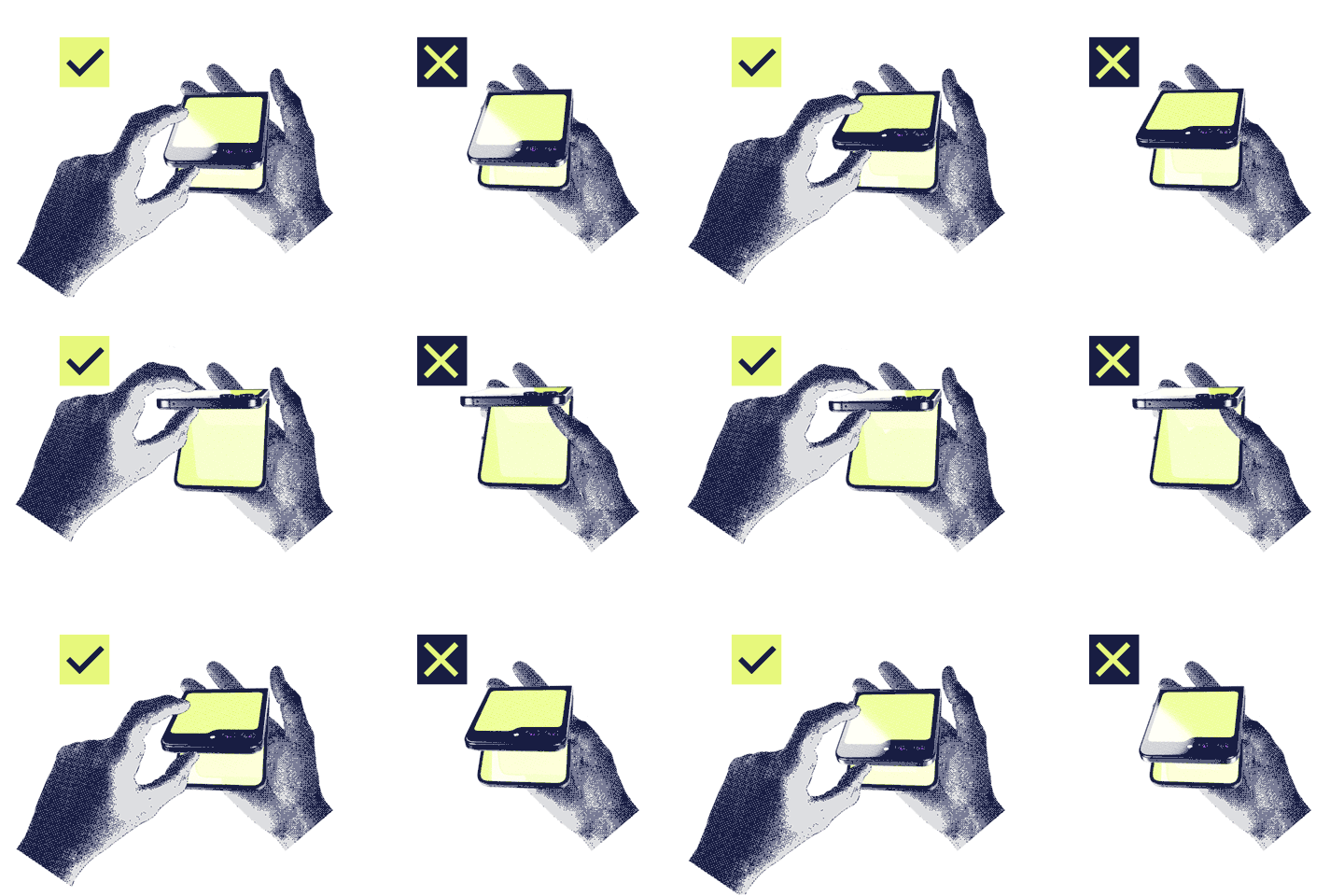
2. Can I open the phone by prying between the screens?
Never open your device by prying from the middle of the screen. This can scratch or puncture the display.
✅ Always unfold your device from the sides, where it is designed to be handled safely.
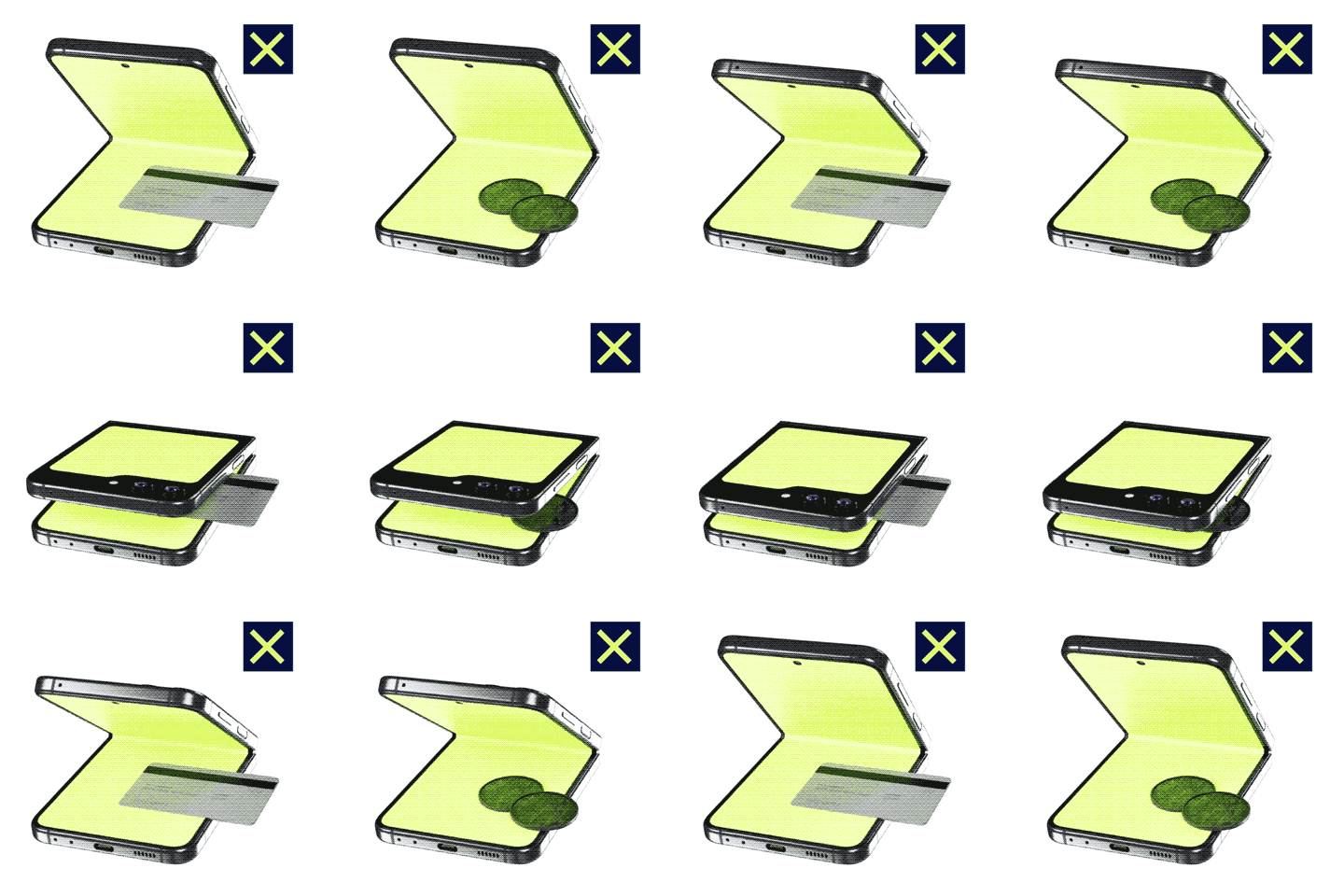
3. Can I leave small items on the screen when folding?
No. Before folding, make sure the screen is clear of coins, cards, or other objects. Even small items can cause serious damage when the device is closed.
✅ Always fold the phone before storing it in a bag or pocket.
4. Can I use my foldable phone around water or dust?
The Galaxy Z Flip is not water- or dust-resistant. Keep it away from moisture, dust, and small particles.
⚠️ Using your device in humid or dusty conditions can cause touchscreen malfunctions.
5. Can I put my own screen protector or stickers on it?
Avoid applying third-party films or stickers. Your phone comes with a special protective film designed for its foldable screen.
✅ If replacement is needed, only use manufacturer-approved films to ensure proper protection and performance.
6. Is it safe to keep my phone near magnetic items?
Keep your phone away from magnetic objects like credit cards, hotel keys, boarding passes, or medical devices.
⚠️ Magnets in your device can damage or deactivate these items. Maintaining a safe distance prevents issues.
For more tips on caring for your foldable device, check the official guide here: Samsung Care – Foldable Devices.